A card message and a delivery date.
The message box appears only when they choose a card.
 Custom Product Options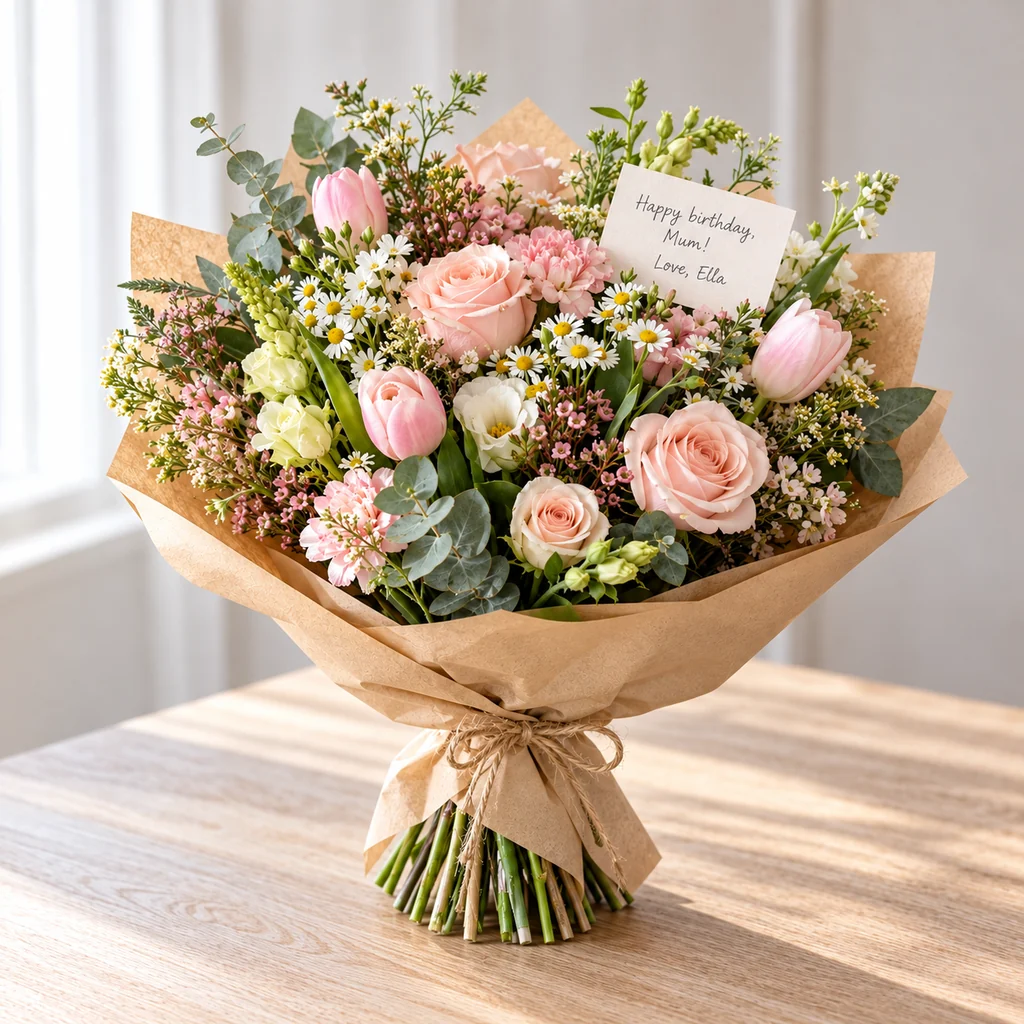



- 5
- fields from one template
- 3
- required, checked at checkout
- 0
- lines of theme code
Flowers carry a message.
The card and the date matter as much as the bouquet.
Workarounds cost time or money.
Order notes
Messages too long for the card.
Checkout notes
Delivery dates missed.
Always show a message box
Empty cards printed.
5 fields from one template.
FieldTypeRequiredPrice
CardDropdownYes—
Card messageText boxNo—
Delivery dateDateYes—
Deliver toChoiceYes—
Recipient phoneTextNo—
The Flower card and delivery template in GMVify Custom Product Options, as the store saves it.
What arrives in Shopify admin.
Order #1042Example
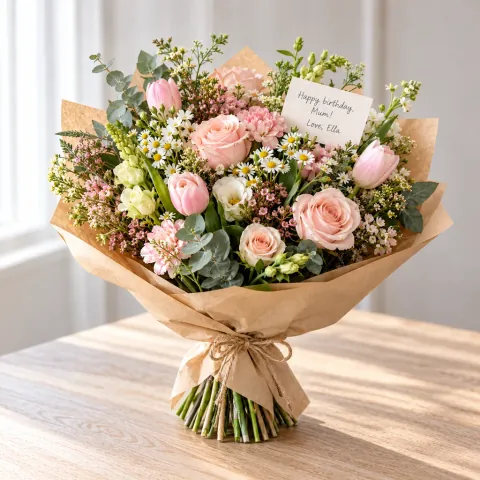 Seasonal Bouquet$55.00
CardBirthday
Card messageHappy birthday, Mum! Love, Ella
Delivery dateNov 14, 2026
Deliver toHome
Order value$55.00
Ask for the card at the right moment.
Pick a card, then write 125 characters. A delivery date is required.
View the app →Related use cases
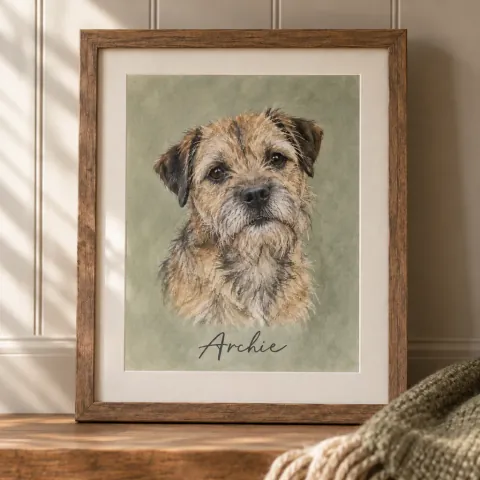 Pet portraits Photos, pet names, background and a rush fee.
 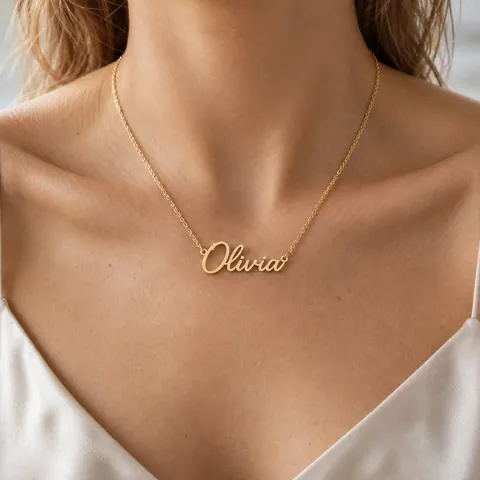 Name jewelry Name, metal and chain length, longer chains charged.
 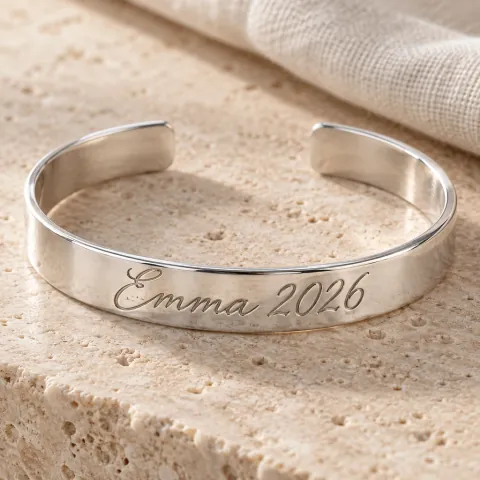 Engraved rings Engraving text and font, confirmed before it’s cut.
 Store designs are illustrations. The fields, options and prices come from GMVify templates.