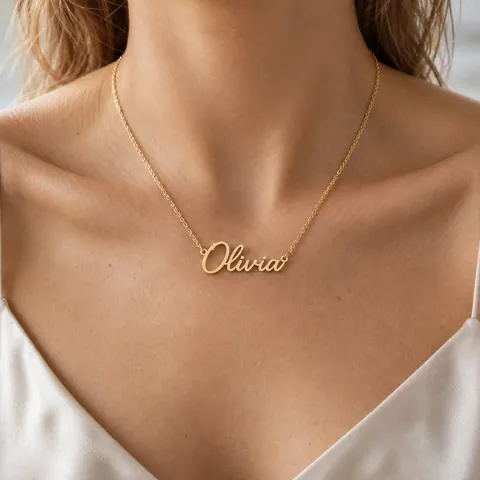
They spotted the typo after paying.
Without
Order #1042Name necklace
NameOlvia
✕ A remake, or an email thread With Order Editing
NameOlivia
Version2 · ready to make
✓ Fixed before you make it  Order EditingLaunching soon
 Address, items and personalization, changed by the buyer. Locked when work starts.
Coming to the Shopify App Store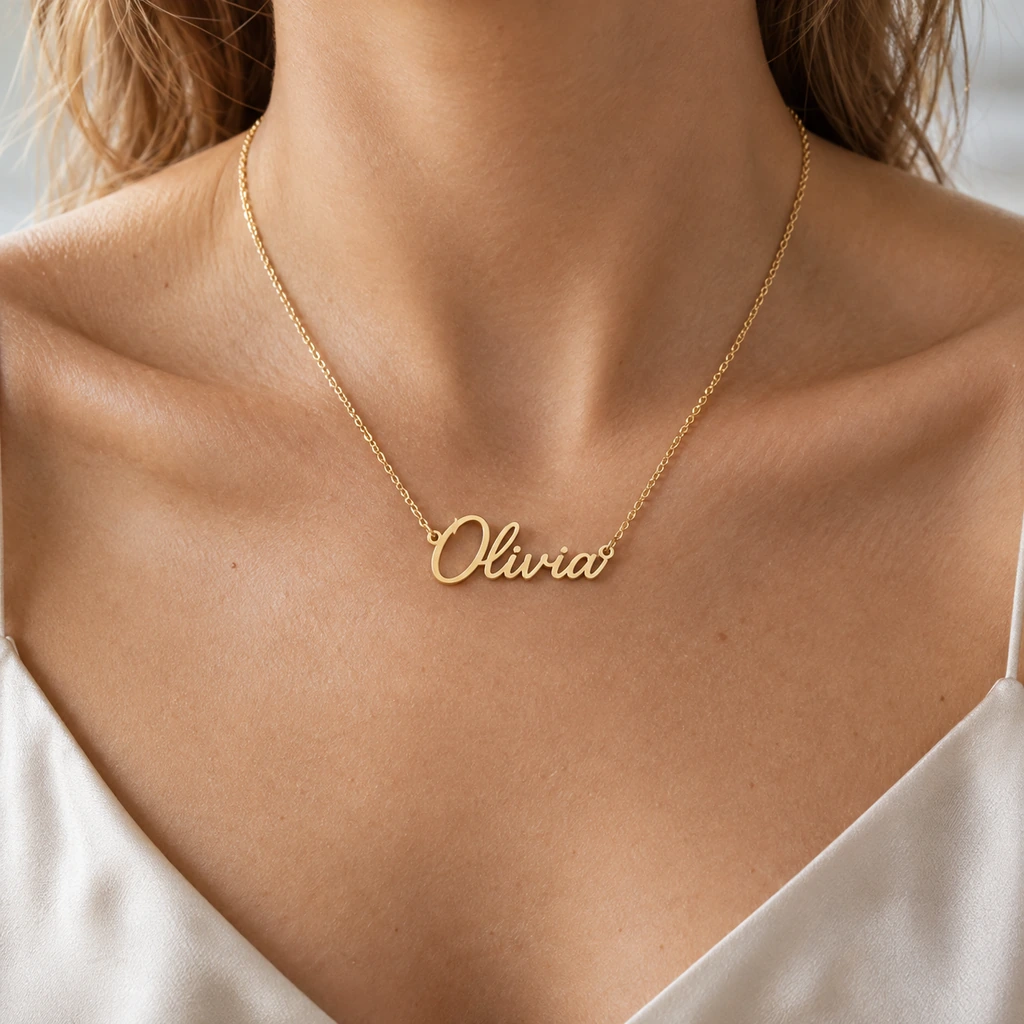
The same order, without and with Order Editing.
Changed by the buyer, on the same order.
Every change kept as a version.
In a block on your order page.
Shipping, production, your tag or one click.
A payment link, or a refund your way.
A receipt for the buyer, a notice for you.
 Custom Product Options Adds the fields buyers can edit later. View the app →
 From the order in their customer account, or from a button on the thank-you page. Guests and stores on classic accounts open an edit page with the order number and its confirmation number.
When the order ships, fulfillment or production starts, a tag you choose is added, or you lock it. You set how long each kind of edit stays open, up to 60 days.
Buyers get a payment link for the difference, and the order stays on hold until it’s paid. A refund can go back on its own, to the original payment or as store credit, or wait for you.
Editing stops at once. Our records are deleted 48 hours later; the changes stay on your orders.
GMVify Order Editing